

How to Keep AI Characters Consistent Across Scenes
Updated 2026-10-07
The biggest problem in AI storytelling is character drift: the hero has a beard in one scene and not the next, a jacket changes color, or a face looks like a different person in close-up. Viewers notice immediately, and the story stops feeling real.
Consistency comes from a few habits applied every time you generate. This guide covers reference sheets, repeating details, using references correctly and checking your shots.
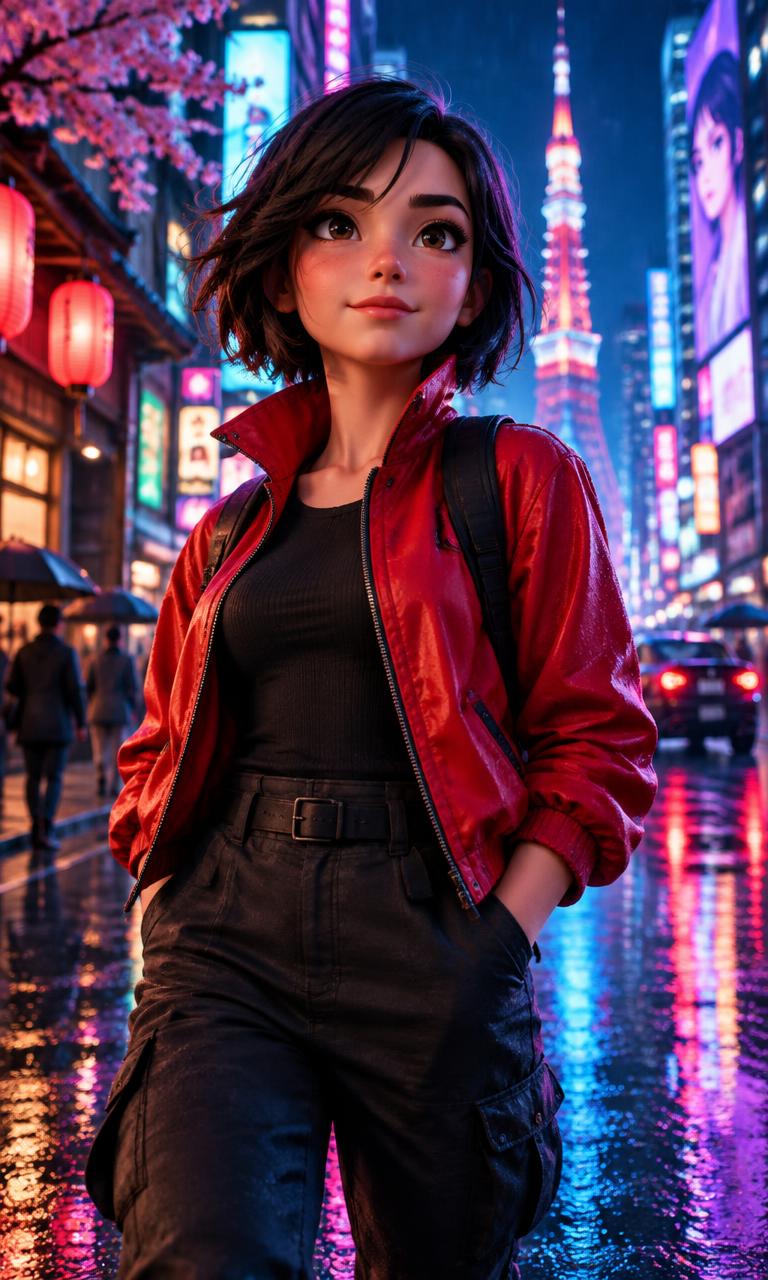
Keeping characters consistent, step by step
1. Start with a character reference sheet
A reference sheet shows one character from several angles in a clean, neutral pose and lighting. It gives the model a stable identity to match. In StarKlip, you generate a stylized sheet, review it, and approve it; the approved sheet becomes that character’s identity for future scenes.
2. Write a fixed appearance description
Write one short description of each character and reuse it word for word: age range, hair, skin tone, build, outfit and one or two signature details such as a silver chain or round glasses. Changing the wording between scenes invites the model to change the look.
3. Attach references to every scene
Assign the character to each scene they appear in so their reference is included in generation. If two or three characters share a scene, assign each one so every face has its own reference.
4. Keep outfits stable within a story
Unless the story calls for a costume change, keep the same outfit in every scene. Outfit changes are one of the most common sources of drift, and they make it harder for viewers to track who is who.
5. Check close-ups carefully
Wide shots hide small differences, but close-ups expose them. Review every close-up against the reference sheet before turning it into video, and regenerate the image if the face, hair or accessories do not match.
Why characters drift
Image models generate each picture independently. Without a reference, the only thing linking two scenes is the text prompt, and small differences in wording, lighting or camera angle lead to a different-looking person. References and repeated descriptions give each generation the same anchor.
Drift also grows across a sequence of clips. Starting each video from an approved still image, rather than generating video from text alone, keeps the character tied to a frame you have already checked.
Extra techniques
- Use the same lighting style within a sequence; dramatic changes in light can make a face read differently.
- Keep identifying details visible in each shot, such as a necklace or distinctive hairstyle.
- For continuous action, continue the next clip from the previous scene’s last frame so the character carries over directly.
- Save characters you like and reuse them in later stories, so a recurring series keeps the same cast.
- Use stylized 3D-animated characters rather than photos of real people; invented characters are easier to keep consistent.
FAQ
What is a character reference sheet?
An image showing one character from multiple angles in neutral lighting, used as a visual reference so later scenes match the same design.
Can I use a photo of myself?
StarKlip uses an approved stylized reference sheet or avatar for consistency rather than raw identity photos, which also helps scenes look like one consistent animated style.
How many characters can I keep consistent in one scene?
StarKlip lets you assign up to three characters to a story scene, each with its own reference.
Why does my character look different in close-ups?
Close-ups reveal fine facial detail the model may not have matched. Compare the frame with the reference sheet and regenerate the image before animating it.
More guides
Make your first story video
Build a reusable cast in StarKlip with approved reference sheets, then use them in every scene of your next story.